
Download Hot Potatoes – Educational Exercises, Quizzes, Puzzles, JQuiz, JCloze, JMatch, JMix, JCross, The Masher
Overview
Hot Potatoes is an educational software suite designed to empower educators, trainers, and content creators to develop interactive learning materials for online delivery. The application provides a comprehensive toolkit for generating a variety of exercise types directly from a desktop environment. Its primary purpose is to support digital learning by enabling users to create engaging, self-assessing activities that can be embedded into websites or accessed locally via HTML files. This makes it particularly useful for teachers, instructional designers, and e-learning developers seeking to enhance student engagement without requiring advanced programming skills.
Hot Potatoes addresses the common challenge of creating dynamic, interactive content for online education by offering six distinct tools tailored to different learning objectives. Whether the goal is to test knowledge retention through multiple-choice quizzes or to reinforce vocabulary with drag-and-drop matching exercises, the software adapts to various teaching styles and subject areas. Real-world use cases include classroom assignments, online course modules, language learning resources, and training materials for corporate or nonprofit organizations.
Developed by Half-Baked Software, the application has established itself as a reliable utility within the education technology ecosystem. The developer did not provide additional technical details about their background or company history. However, the software’s longevity and continued support suggest a commitment to educational innovation. With a free price model and a lightweight 10.7 MB footprint, Hot Potatoes remains accessible to a broad audience, particularly those with limited technical expertise or budget constraints.
Key Features & Functionality
Hot Potatoes offers a robust set of tools designed to streamline the creation of interactive educational content. Each tool serves a specific pedagogical function, allowing users to diversify their teaching methods and accommodate different learning styles. The suite includes JQuiz, JCloze, JMatch, JMix, JCross, and The Masher—each with unique capabilities that enhance user interaction and comprehension.
- JQuiz: Enables the creation of multiple-choice, true/false, and short-answer questionnaires. Users can define correct answers, add feedback messages, and include hints to guide learners through challenging questions.
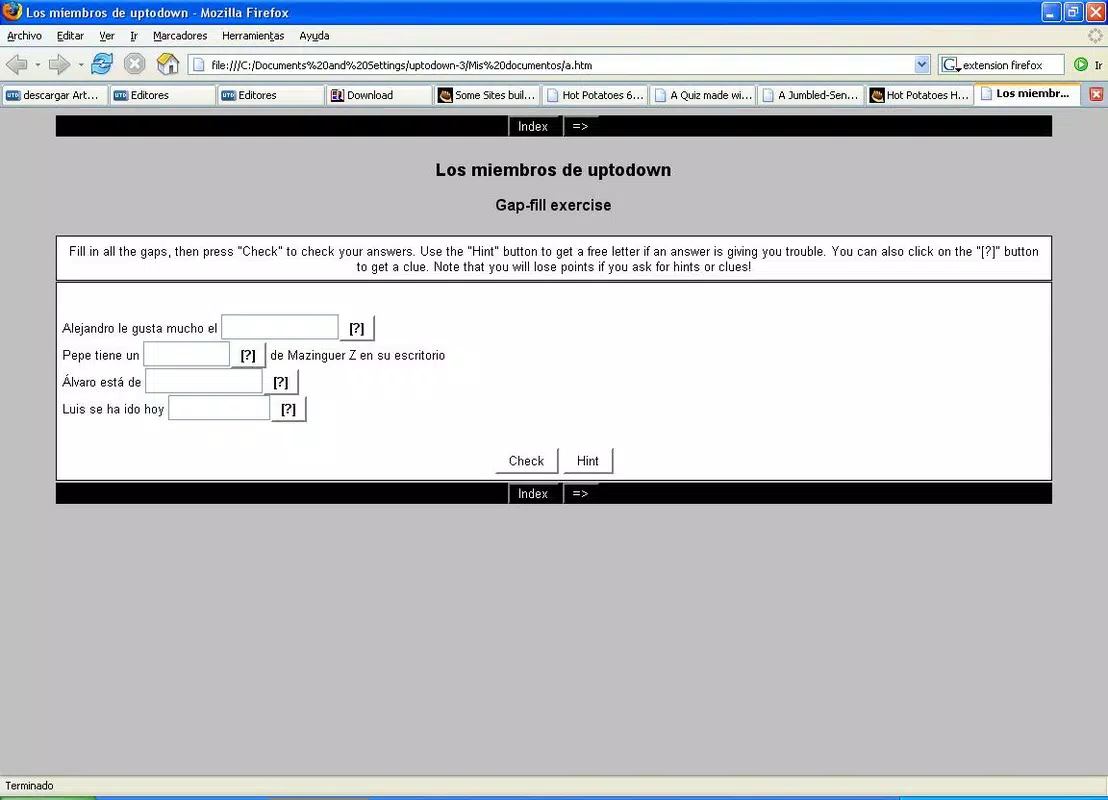
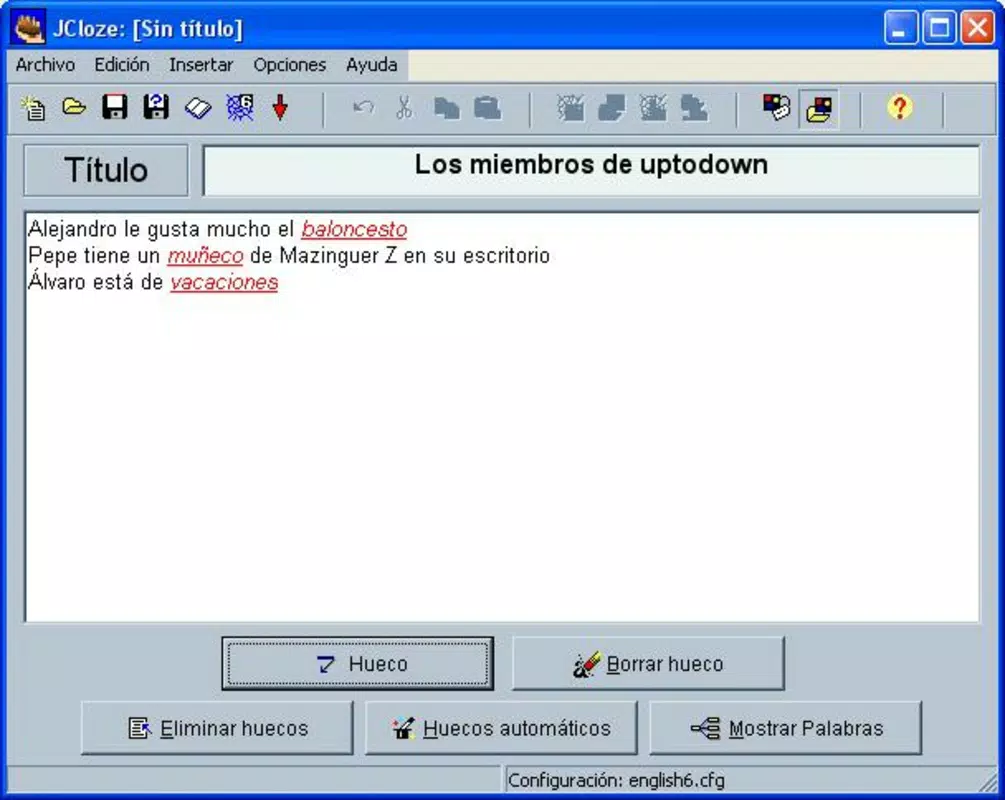
- JCloze: Allows users to construct fill-in-the-blank exercises by inserting gaps in sentences. This tool supports partial word hints and can be used to reinforce vocabulary, grammar, or factual recall.
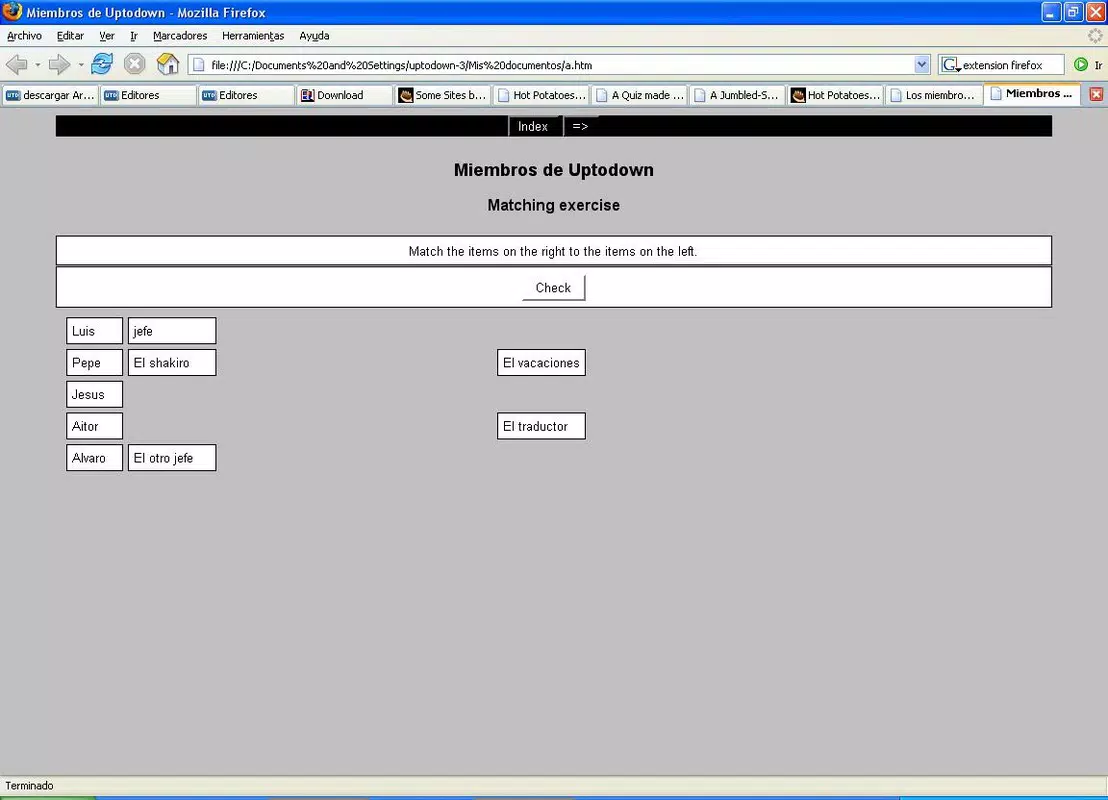
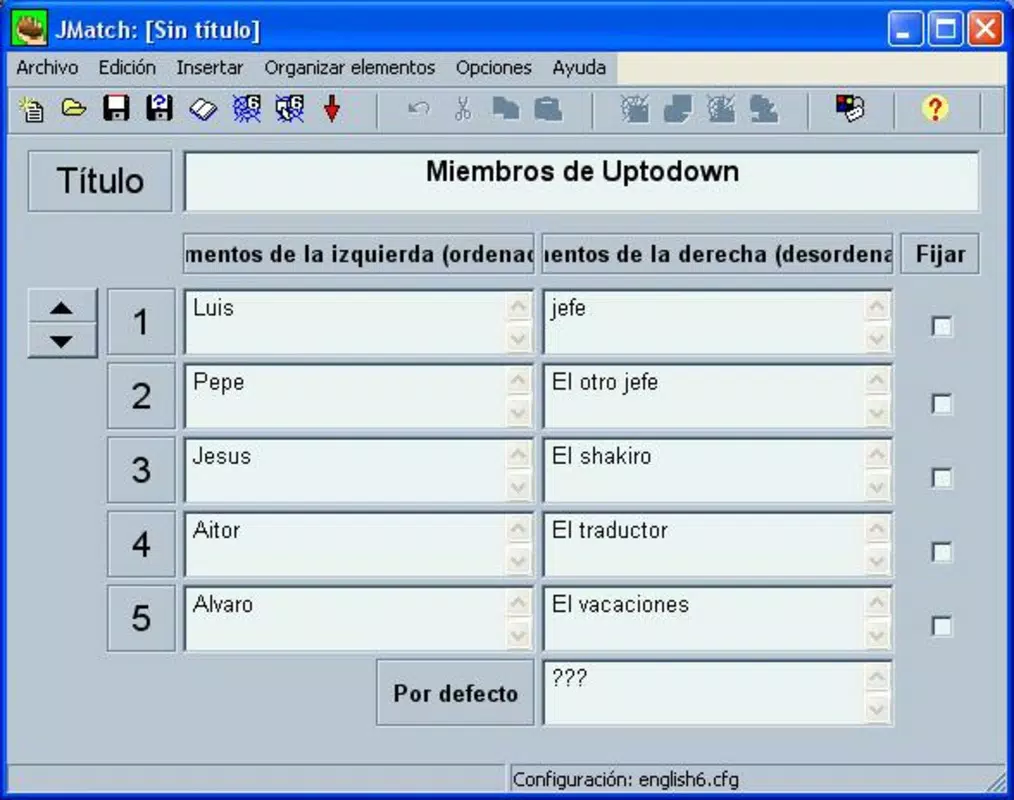
- JMatch: Facilitates drag-and-drop matching exercises where users pair items from two lists, such as definitions with terms or images with labels.
- JMix: Offers sentence ordering tasks, where students must rearrange words into a coherent sentence. It also supports letter or syllable scrambling for phonetic and spelling practice.
- JCross: Generates custom crossword puzzles based on user-provided words and clues. The tool automatically arranges the grid, ensuring solvability and uniqueness.
- The Masher: Compiles all created exercises into a single, standalone HTML file. This eliminates the need for server hosting, allowing the entire learning module to be executed directly from a local hard drive.
These features are especially valuable in low-bandwidth environments or for offline learning. For example, a language teacher could use JCloze and JCross to build a vocabulary module, then compile it with The Masher for distribution to students without internet access. Similarly, a trainer might use JQuiz and JMatch to create a self-checking assessment for a new software tutorial.
Interface, UX & Performance
The user interface of Hot Potatoes is structured around a clean, functional layout optimized for desktop use. The application employs a tab-based navigation system, allowing users to switch between the six tools with ease. Each tool presents a consistent workflow: input data, configure settings, preview the exercise, and export the result. This consistency reduces the learning curve and enhances usability across different exercise types.
Visual design is minimalistic, focusing on utility rather than aesthetics. Text fields, buttons, and preview windows are clearly labeled, and the layout prioritizes accessibility. The application does not rely on complex graphics or animations, which contributes to its lightweight performance. Although the developer did not list formal performance metrics, the software runs efficiently on standard Windows systems, even with older hardware.
Responsiveness is adequate for a desktop application, with minimal lag during data entry and preview rendering. Stability appears reliable, as no known crash reports or compatibility issues were noted in publicly available documentation. The application maintains consistent behavior across sessions, and saved projects can be reopened without data loss. However, since the developer did not specify minimum OS requirements or performance benchmarks, users should exercise caution when deploying on unsupported systems.
Platform Compatibility & Technical Requirements
Hot Potatoes is designed exclusively for the Windows operating system. It is compatible with Windows platforms, though specific version details were not provided. The application has a file size of 10.7 MB, making it highly portable and suitable for deployment on devices with limited storage capacity. The software is distributed as a free download, requiring no subscription or in-app purchases.
Given the absence of explicit system requirements, users should assume compatibility with modern Windows versions, including Windows 10 and Windows 11. However, the developer did not specify minimum CPU, RAM, or graphics requirements. Similarly, no information was provided about support for older Windows editions such as Windows 7 or 8.1. For users considering installation on legacy systems, testing is recommended to ensure proper functionality.
Since Hot Potatoes generates standalone HTML files, the resulting exercises can be viewed in any modern web browser without additional plugins. This ensures broad accessibility across different devices and platforms, even if the original software is not installed.
Pros and Cons
Pros
- Free to download and use with no hidden costs or subscriptions.
- Offers six distinct tools for diverse educational exercise types.
- Creates self-contained HTML files that work offline without server hosting.
- Designed with a simple, intuitive interface suitable for non-technical users.
- Includes built-in tutorials to support beginners and educators with limited experience.
- Lightweight size (10.7 MB) enables quick installation and minimal system impact.
Cons
- Platform is limited to Windows; no official support for macOS, Linux, or mobile devices.
- Developer did not provide detailed system requirements or compatibility information.
- Not optimized for touch-based interfaces or mobile browsers.
- Latest version (6.3.3) was released in 2024, but no information on future updates or maintenance.
- Does not support cloud storage, sharing, or collaborative editing features.
FAQ
Is Hot Potatoes safe to download and install?
Yes, Hot Potatoes is a legitimate educational tool distributed by Half-Baked Software. The application is free from malware and adware, as confirmed by multiple third-party sources. Users should always download from official or trusted repositories to ensure security.
Can I use Hot Potatoes on my Mac or Linux computer?
Currently, Hot Potatoes is only available for Windows. There is no official version for macOS or Linux. Users on non-Windows systems may need to use virtualization software or alternative tools.
Do I need an internet connection to use the exercises I create?
No. Once created, exercises are saved as standalone HTML files that can be opened directly in any web browser without an internet connection. This makes the software ideal for offline learning environments.
Is Hot Potatoes still being updated?
The latest version, 6.3.3, was released in 2024. While the developer has not announced a discontinuation, no information was provided about future update plans or support timelines.
Can I share the exercises I create with others?
Yes. Since the output is a standard HTML file, you can easily share it via email, USB drive, or cloud storage. Recipients only need a web browser to access and interact with the content.
Final Thoughts
Hot Potatoes stands out as a versatile, no-cost solution for educators and content creators who need to produce interactive learning materials quickly and efficiently. Its six specialized tools cover a wide spectrum of educational activities, from quizzes to puzzles, making it suitable for language instruction, academic review, and professional training. The ability to generate self-contained HTML files enhances its flexibility, allowing deployment across diverse environments without technical overhead.
While the software is limited to Windows and lacks modern collaboration features, its simplicity, reliability, and free access make it a valuable asset in the digital education toolkit. It is particularly well-suited for teachers, tutors, and instructional designers who prioritize functionality over flashy design. For those seeking a practical, no-frills way to enhance online learning, Hot Potatoes delivers strong value.
Download Hot Potatoes now


